AI-POWERED MAC PERFORMANCE
MacGuardian AI

Your Mac, tuned by AI that actually learns

(Your Patterns x On-Device AI) / Manual Tuning = MacGuardian

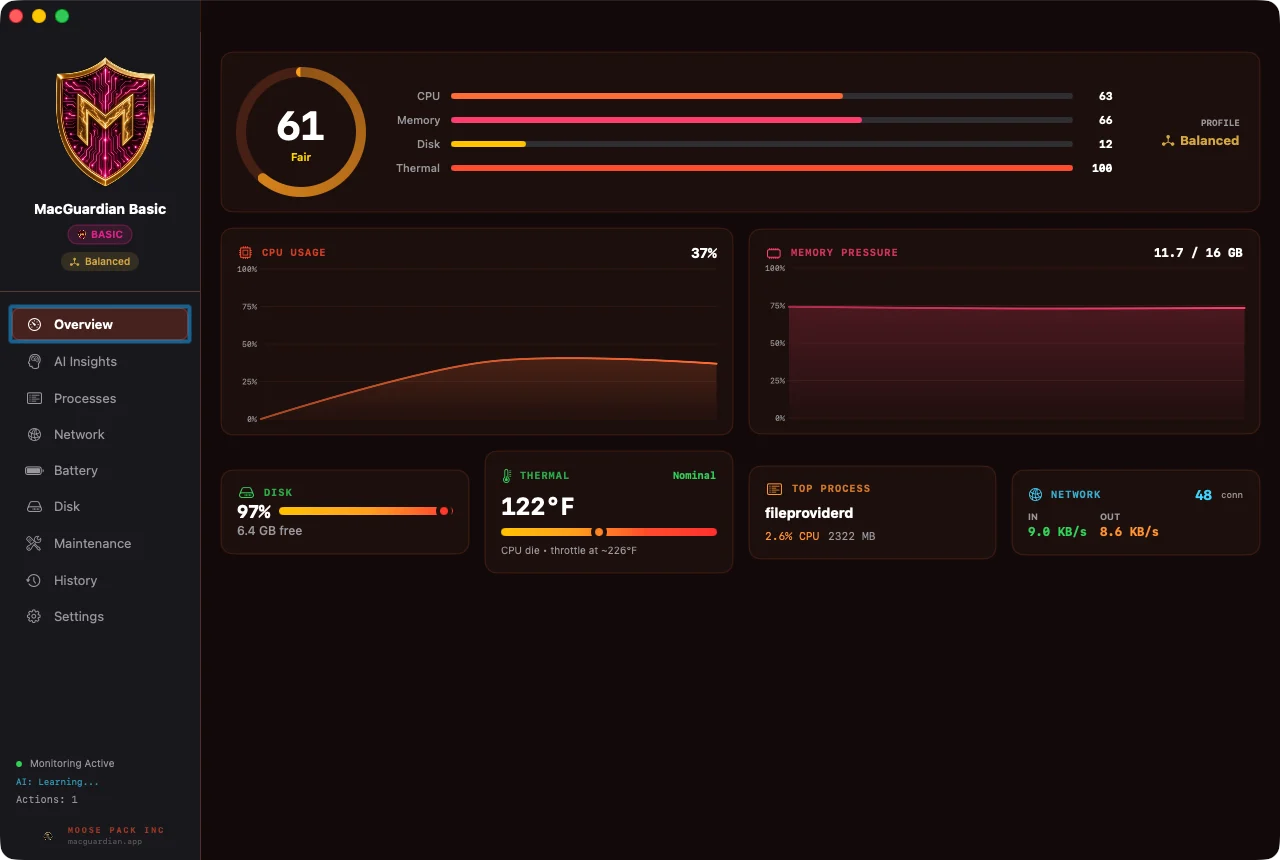
MacGuardian watches how your Mac actually behaves — process by process, hour by hour — and steps in only when something's drifting. No cloud calls. No accounts. No data ever leaves your machine.

100% on-device No accounts required Apple-notarized Apple Silicon · macOS 14+ (Tahoe ready)
PILLAR / 01

Learns your patterns

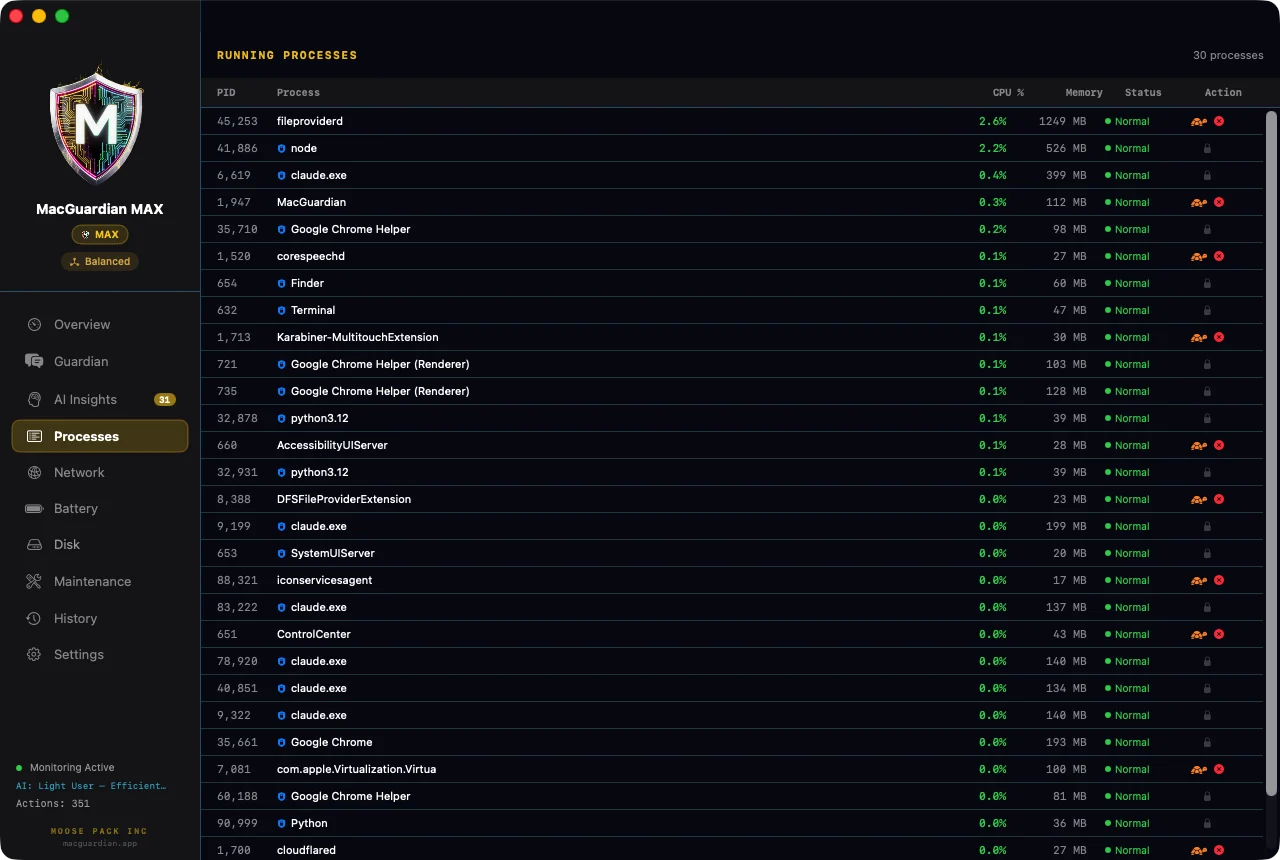
Per-process baselines + hour-of-day modeling. It knows you're different at 9am vs 2am.

PILLAR / 02

Predicts before it happens

30-day disk-full projections, 5-minute memory-pressure forecasts, pre-emptive relief.

PILLAR / 03

Knows when its actions worked

Throttle outcome auditing — verifies if Spotify actually slowed down, learns when something's a lost cause.

PILLAR / 04

Explainable. Always.

Every recommendation has a reason: "CPU at 87% is significantly above your typical 23% at this hour." No black box.

The "AI" — demystified
No neural networks. No "trained on millions of users." MacGuardian is real classical statistical ML — the kind that worked decades before LLMs hijacked the term — running entirely on your Mac.
METHOD / 01

Welford's online variance

Numerically stable per-process baselines. Computes running mean + standard deviation as your usage evolves, without storing every sample.

METHOD / 02

Linear regression with R² gate

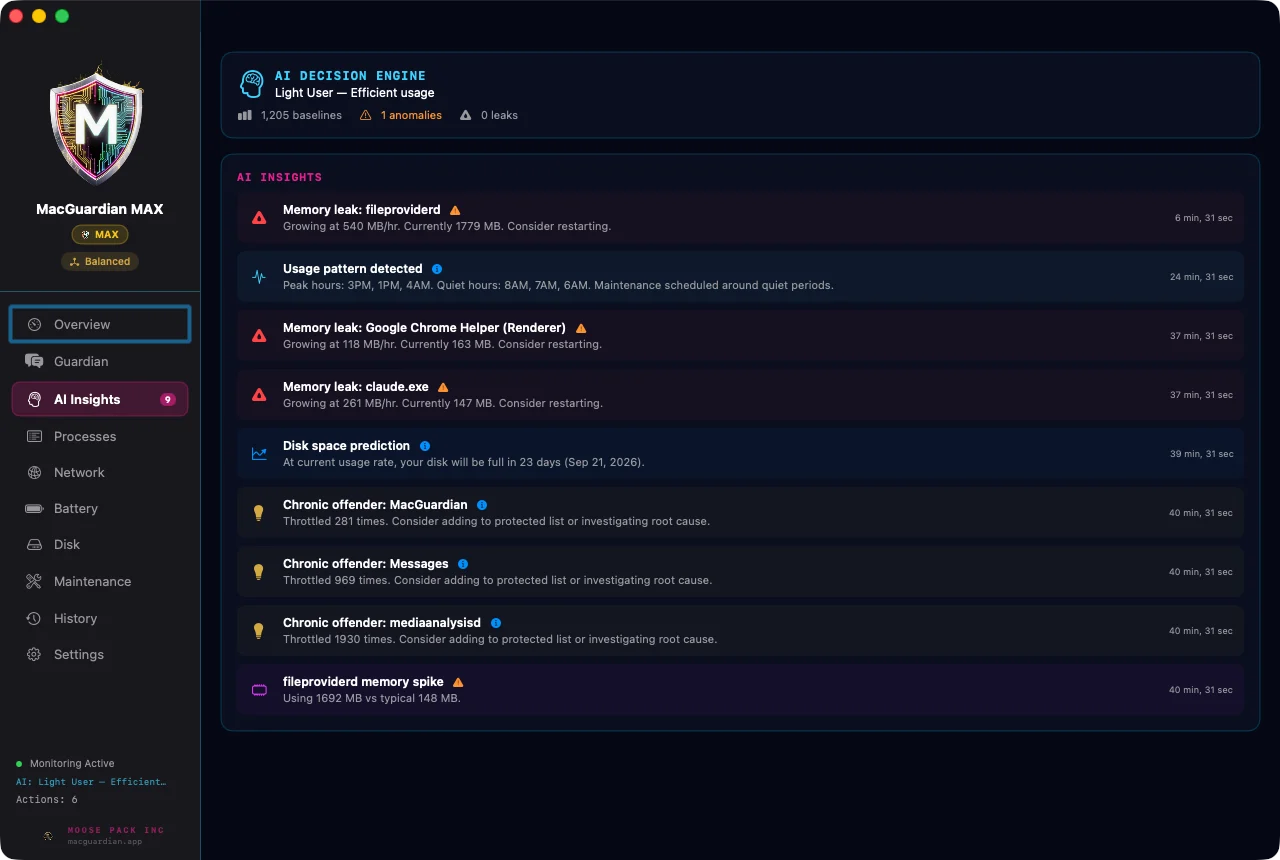
Memory-leak detection requires R² > 0.7 — the data has to actually fit a line before it'll cry leak. Cheap heuristics skip this. We don't.

METHOD / 03

Z-score anomaly detection

2σ threshold for system-wide CPU anomalies, 3σ for noisier per-process spikes. Calibrated to your Mac's normal — not the average internet user's.

METHOD / 04

Outcome auditing

Most "AI" apps fire-and-forget. MacGuardian checks back 30–90 seconds after every throttle to verify CPU actually dropped. If Chrome ignores renice, it remembers — and stops trying.

PRIVACY ARCHITECTURE

100% on your Mac. No cloud. No accounts.

MacGuardian makes zero network calls during normal operation. There is no telemetry. There is no sign-in. No remote API for your data — diagnostic endpoints exist for our internal owner builds only and never fire on end-user installations. Everything — pattern learning, predictions, throttle decisions, outcome audits — runs locally and stays locally. The license check happens once at activation; after that, your Mac is on its own.

Two themes. One identity.
Toggle in Settings → Appearance. Your gold monospace stat readouts stay in both themes — the brand anchor doesn't move.
PRO

Clean, professional

Signature gold accent with desaturated cyan secondaries. The look you've been running. Calm dashboards, classic ring gauges, no neon, no scan lines.

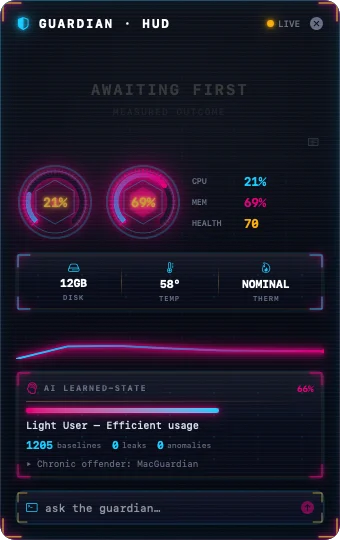
HUD

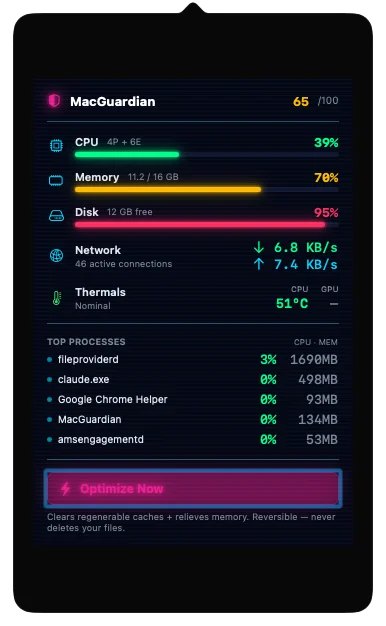
Cyber, neon, scan-line

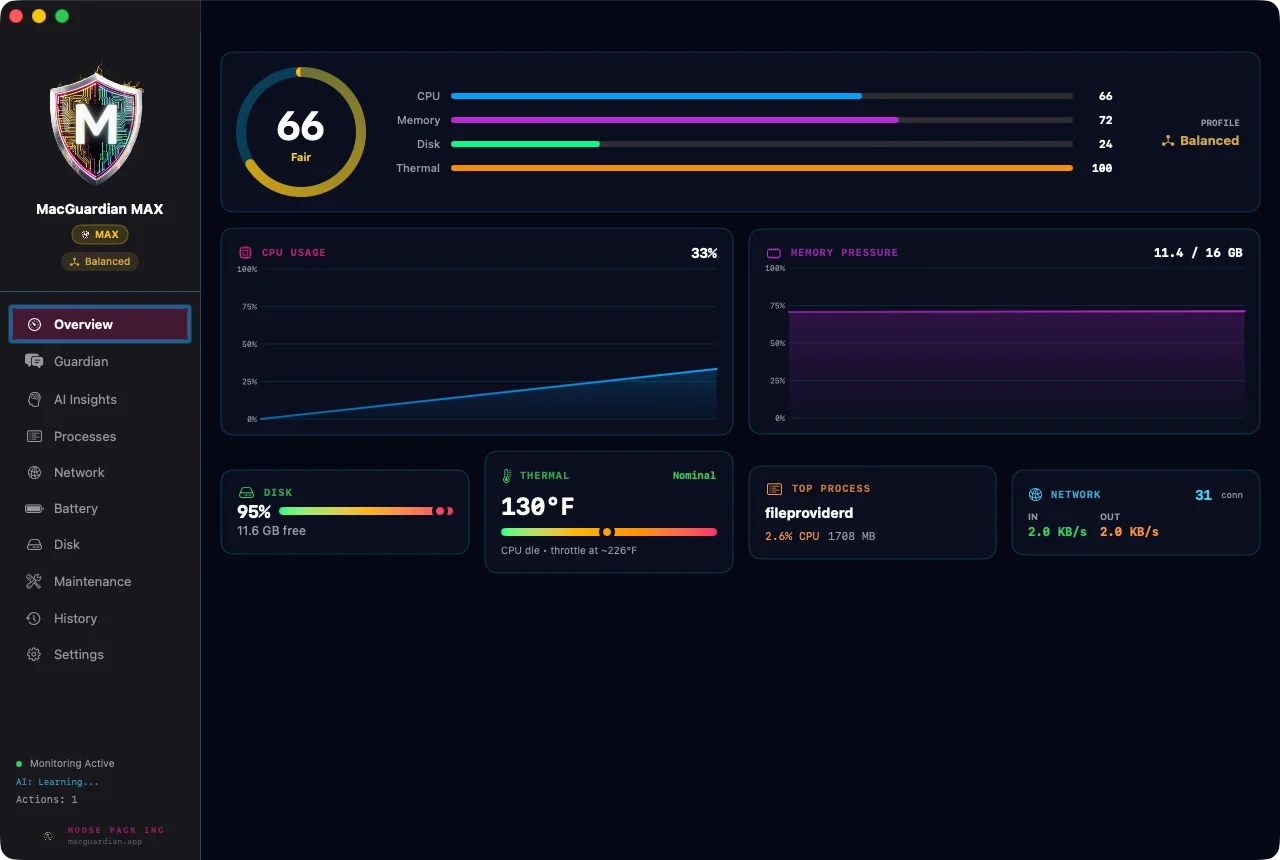
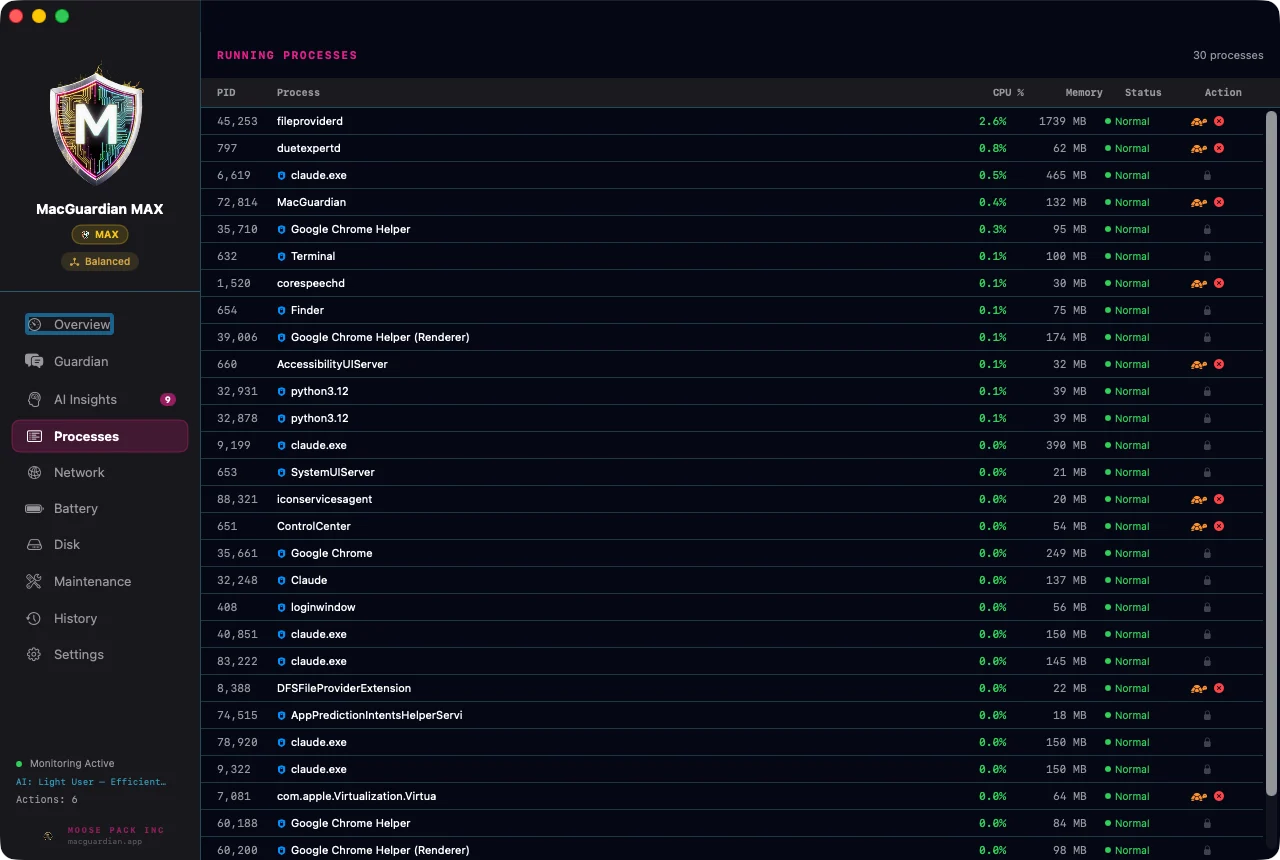
Magenta-led with electric cyan, hexagonal Canvas gauges, scan-line overlay, neon glow stack. For when you want your Mac to feel like a fighter jet's cockpit.

What's in the box
Every capability runs on your Mac. Nothing phones home.
🧠

Pattern learning

Per-process baselines (Welford's online variance) + hour-of-day model. Adapts as your usage evolves.

CORE AI
📈

Memory-leak detection

Linear regression with R² > 0.7 gate. Won't cry leak on noise. Names the process, shows the slope.

CORE AI
📉

Disk-full prediction

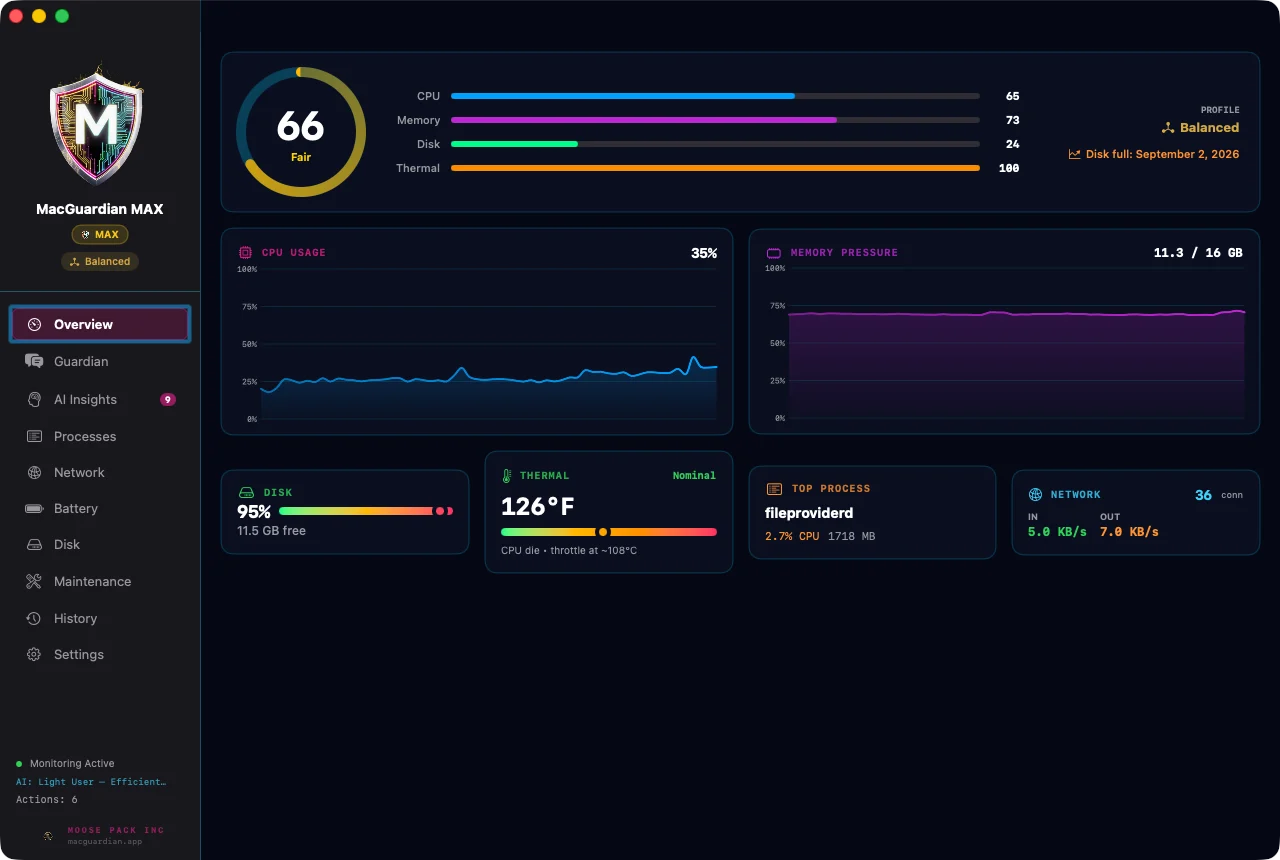
30-day projection from your write rate. Surfaces "you'll be out in 18 days at this pace" before you hit zero.

CORE AI

Memory-pressure forecast

5-minute lookahead to 90% pressure. Pre-emptive relief kicks in before you feel the spinning beachball.

CORE AI
🔍

Z-score anomaly detection

2σ for hourly CPU, 3σ for per-process. Compared against your Mac's history, not industry averages.

CORE AI
🔊

Outcome auditing

30–90s after every throttle, MacGuardian checks if it actually worked. Tracks success rate per process.

CORE AI

Performance profiles

Six profiles (Battery, Balanced, Performance, Gaming, Focus, Quiet). Auto-switches on trigger conditions.

CORE
🧹

AutoPilot maintenance

Scheduled gentle cleanup — caches, old downloads, trash, logs. Runs while you sleep.

CORE
🗑

Deep app uninstaller

Scans 10 Library locations + orphan detection. Removes apps and everything they ever touched.

CORE
🔋

Battery health (IOKit)

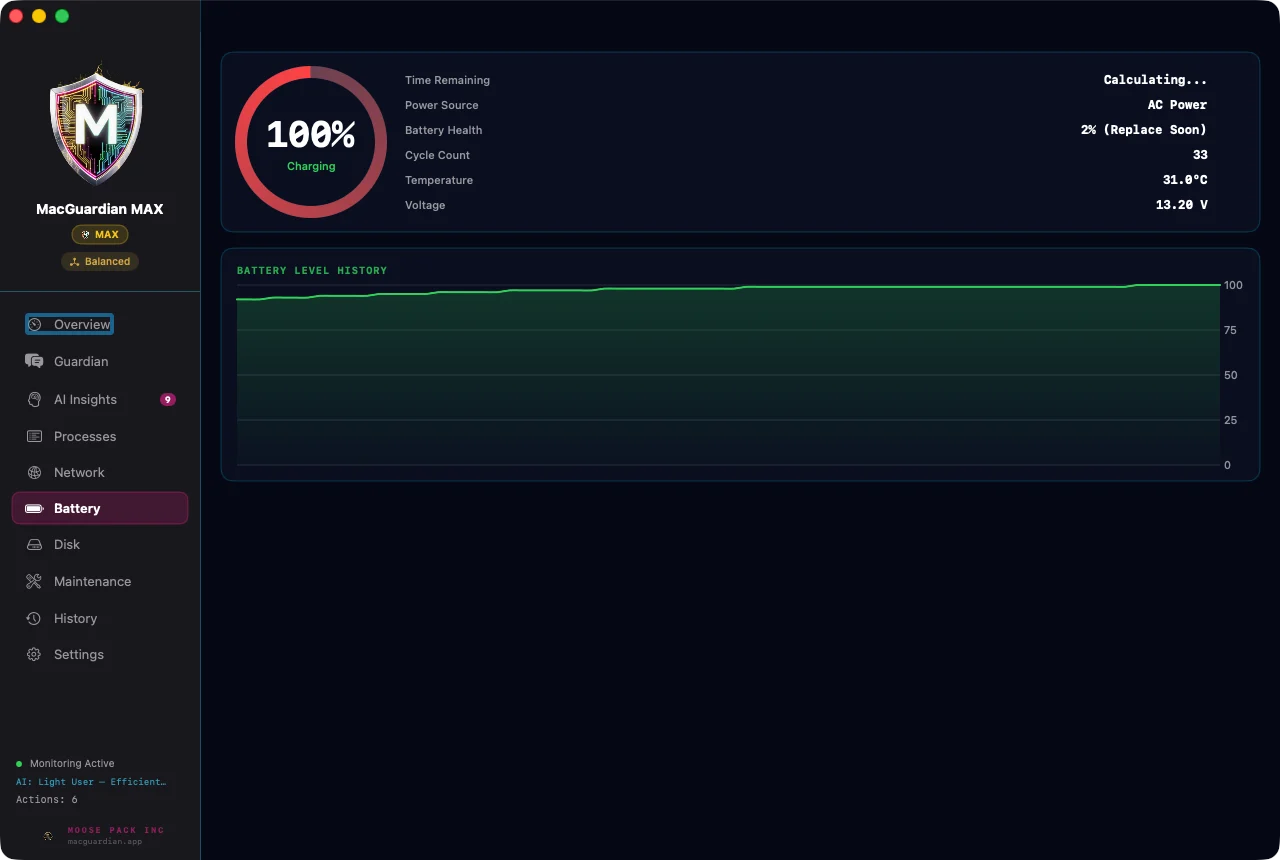
Cycle count, voltage, temperature. Health score. Charging state. All from native IOKit, no sandbox tricks.

CORE
📡

Network bandwidth

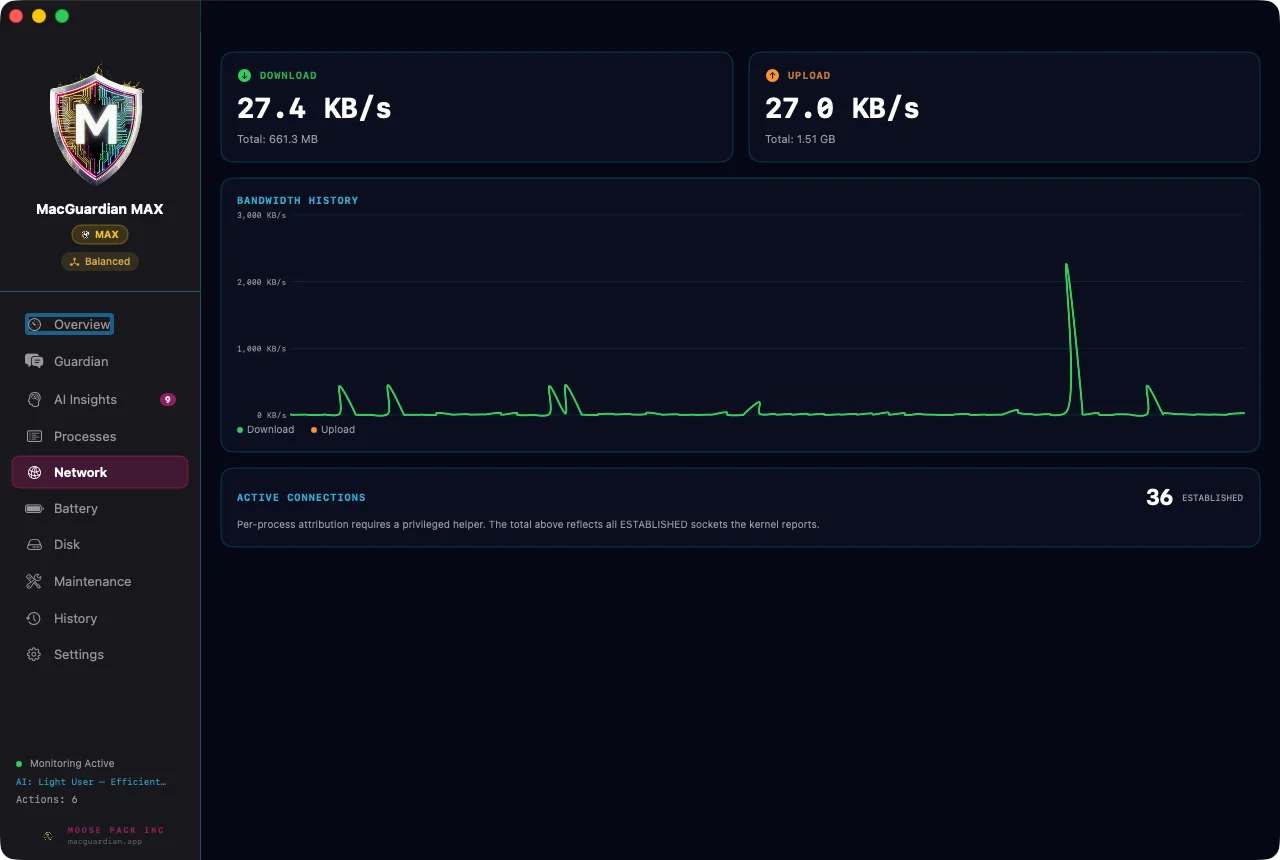
Per-process traffic via lsof + system-wide via netstat. See which app is hogging your uplink.

CORE

iCloud throttling

Pause / throttle fileproviderd, bird, cloudd when you need uplink for something else.

CORE
🔑

Process protection list

Defaults guard ~20 critical processes (Finder, kernel_task, WindowServer…). Add your own.

CORE
🎯

AI Workload Mode

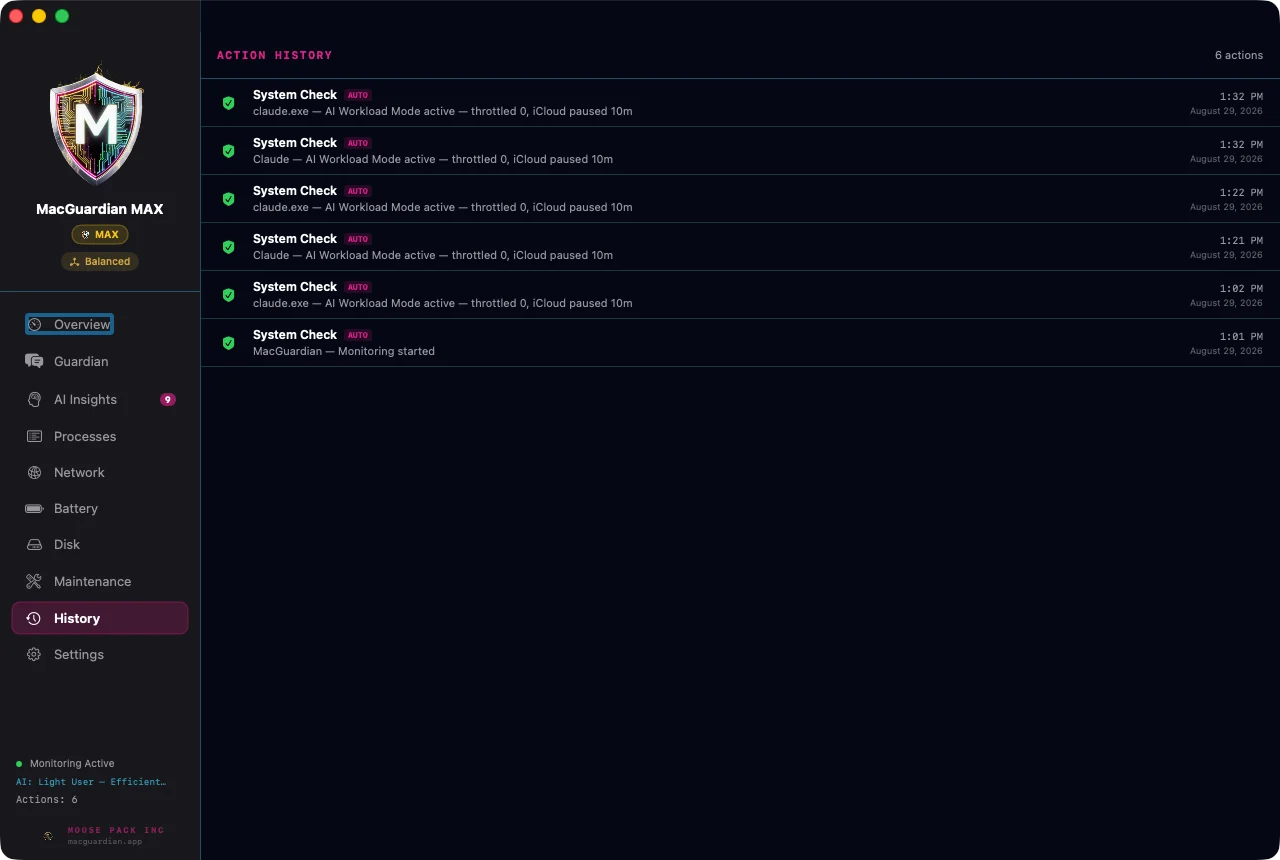
Detects Cursor / Claude / Ollama / MLX / Xcode running. Renices to high priority, throttles competitors, frees RAM, pauses iCloud sync.

CORE
🔥

GPU thermal monitor

IOKit GPU temperature poll + auto-throttle of GPU-heavy non-critical processes when thresholds hit.

CORE
💤

Sleep/wake analysis

Parses PMSet logs. Surfaces things like "Your Mac woke 47 times last night because of [Bluetooth keyboard]."

CORE
🔊

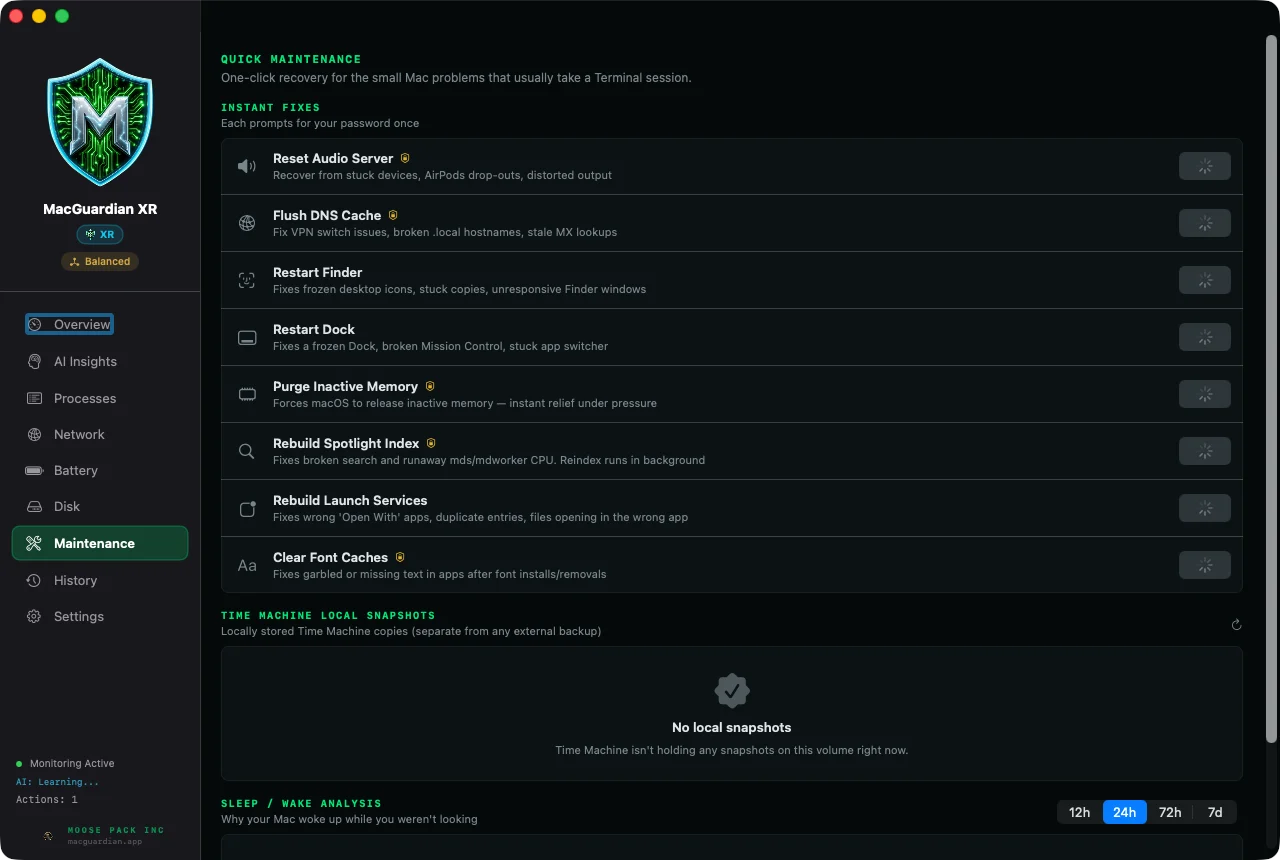
Stuck audio reset

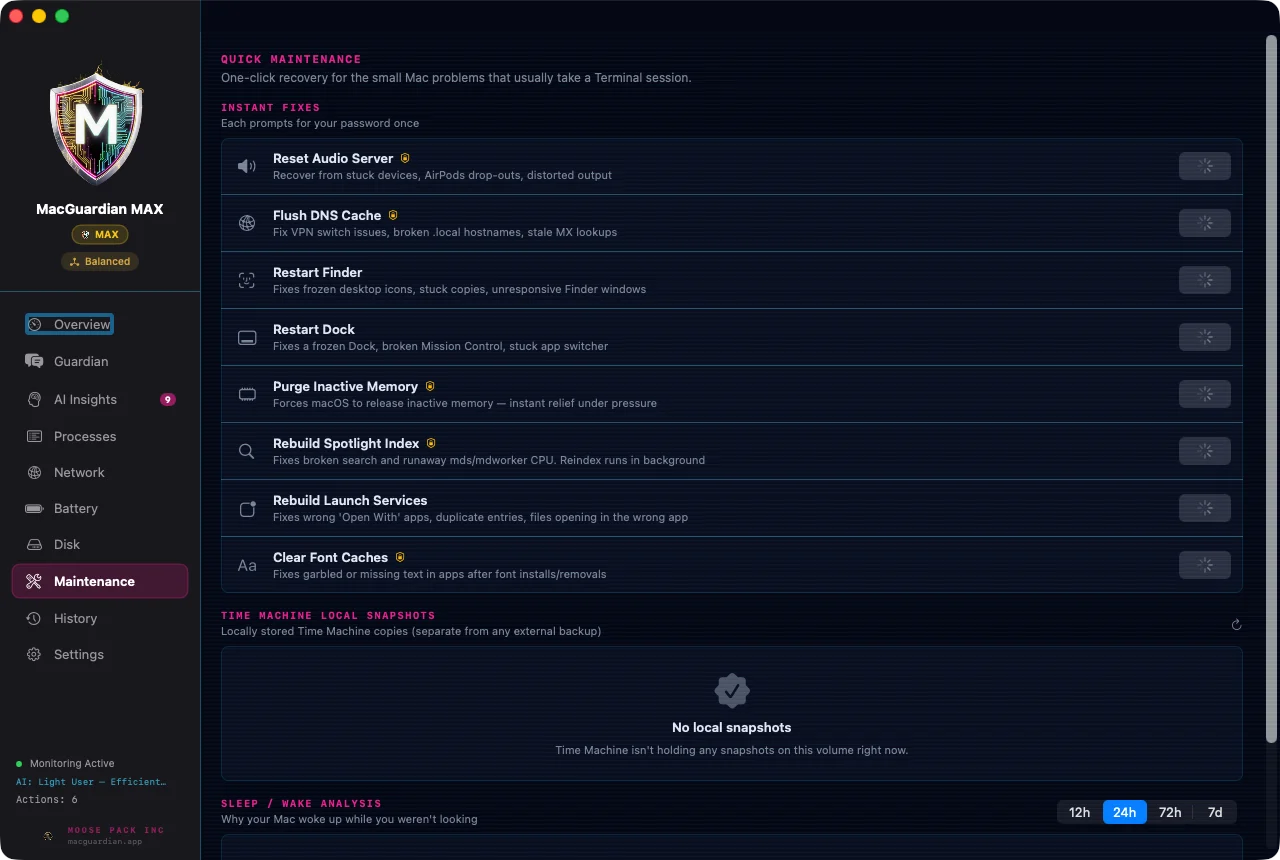
One-click coreaudiod reset for when your audio dies after sleep. Auth via AuthorizationServices.

CORE
🌐

DNS cache flush

Auto-triggers when ping latency drifts. Flushes mDNSResponder + dscacheutil in one move.

CORE
💾

Time Machine local snapshots

Lists local snapshots (the storage thief). One-click delete-all to recover invisible disk space.

CORE
🧠

Pre-emptive memory relief

When the 5-min forecast says critical pressure is coming, MacGuardian acts before the lag hits — not after.

CORE

The XR line — protect the user, the work, the workforce
Three new pillars introduced 2026-06. Included in XR and above.
😴

Snooze Guard

Catches you falling asleep at the keyboard via the camera (face landmarks + sustained-eye-closure detection) and locks the screen with an audible escalation. Anti-burnout for solo founders + late-night ops.

XR
💾

Work Guard

Silent APFS snapshot insurance for everything that matters. Ranks files by recency × size × type, snapshots the top N via clonefile() on a 5-min sweep + before sleep + when AI processes spike. Costs almost zero disk.

XR
🛡

AI Shield

Live inventory of every AI process running on your Mac (Cursor, Claude, Ollama, MLX, ChatGPT, LM Studio…). Audit log of when each started, what it opened, what it touched. Watches your boundary paths (~/.ssh, ~/.aws, credentials) and alerts when an AI process opens them.

XR
🌙

Quiet Hours

Define a sleep window and MacGuardian watches your AI workforce during it — tracking what's running unattended and alerting you to anything unexpected. Your active work is never touched or frozen.

XR
Three tiers, real features
Every tier is a perpetual license — pay once, yours forever. 100% on-device.

MacGuardian XR

$49/once
Extended Release · perpetual
  • All 13 core capabilities + 7 performance features
  • Real-time bottleneck identifier — names the exact stall in plain English
  • Snooze Guard — anti-burnout
  • Work Guard — versioned file insurance
  • AI Shield — AI workforce visibility + audit
  • Pro + HUD themes
  • On-device, no accounts
Buy XR — $49
Pay once. Yours forever.

MAXGuardian

$199/once
The ultimate tier · perpetual
  • Everything in XD, plus:
  • Conversational control — talk to your Mac in plain language
  • ActionGate — the Guardian acts on performance, safely
  • Deepest AI performance layer
  • Priority support
Buy MAX — $199
Pay once. Yours forever.
How the pricing works — no surprises
Your data — clear and in your control

Your files and system data never leave your Mac. To make MacGuardian and its AI smarter over time, we collect anonymous product diagnostics — which performance issues occur, whether a recommendation actually helped, and your hardware profile (Mac model, macOS version). Never your files, never your personal content.

Diagnostics are on by default and you can switch them off anytime in Settings → Privacy. The only info required to run your license is your name, email, phone, and billing location at checkout — handled securely by Stripe. See our Privacy Policy.

Let your Mac tune itself.

14-day trial, no card required. Full feature access. If MacGuardian doesn't make a noticeable difference in two weeks, you walk away with no friction.

30-day money-back guarantee on any paid plan: not satisfied within 30 days of purchase, email support@macguardian.app for a full refund — no questions.

Start Free Trial